

Key Takeaways
Wake Word Detection
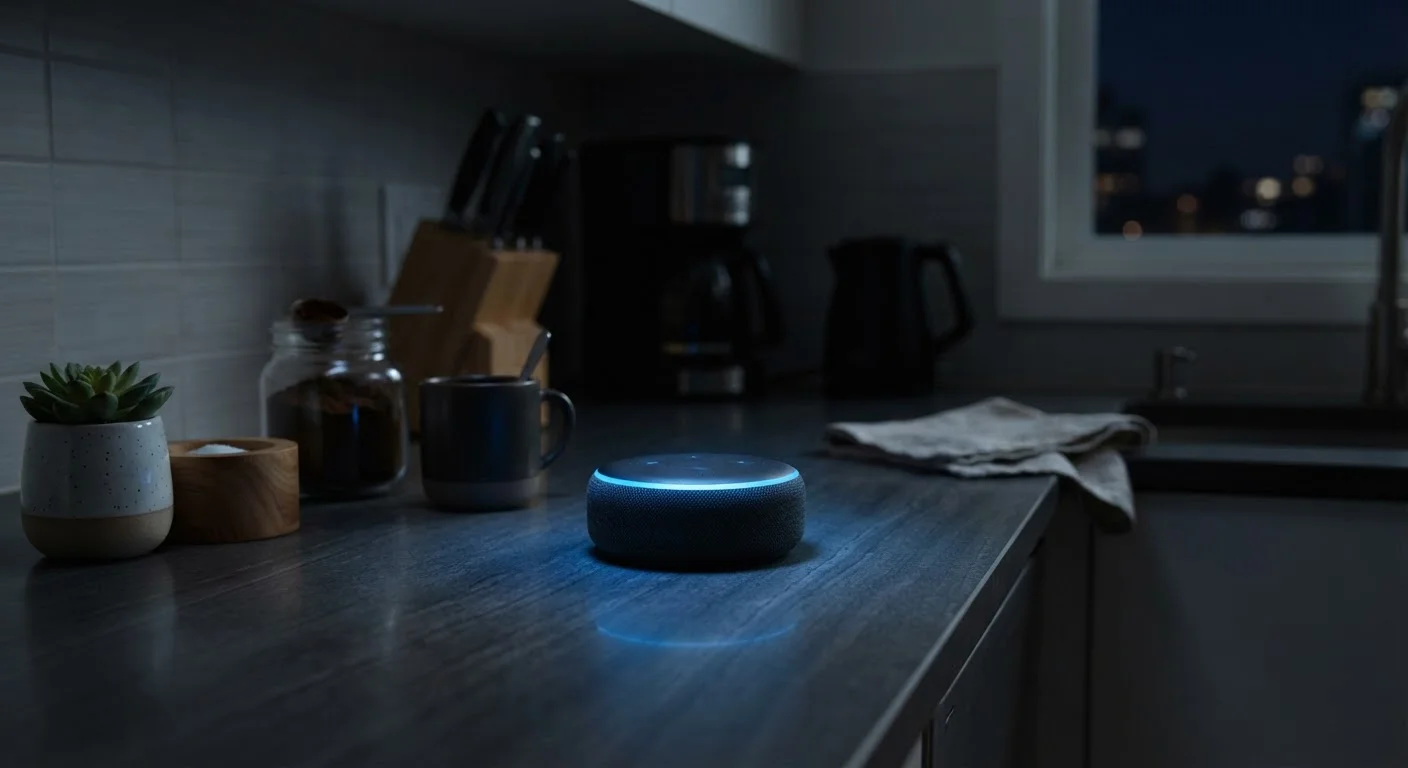
Smart speakers use a process called wake word detection to stay dormant until they hear a specific trigger phrase - like "Hey Alexa" or "OK Google." The device continuously monitors ambient sound locally on-device, but is only supposed to send audio to the cloud after that trigger is detected. In practice, false activations can occur, meaning the device occasionally sends audio it wasn't explicitly asked to capture.
Wake word detection typically runs on a low-power processor embedded in the device itself, separate from cloud processing, to minimize latency and preserve battery or energy efficiency.
The Difference Between Listening and Recording
There's an important distinction that gets lost in most conversations about smart speakers: passive listening and active recording are not the same thing. Every smart speaker - whether from Amazon, Google, Apple, or another manufacturer - is engineered to analyze incoming audio locally on the device, scanning only for its designated wake word. No audio is supposed to leave the device until that trigger phrase is detected.
Once the wake word fires, the device activates, records your command, and sends that audio clip to the company's servers for processing. The response you hear comes back from the cloud. That audio clip - however brief - is typically stored, and that's where privacy questions get more complicated.
This architecture matters because it means the speaker isn't streaming a constant audio feed to a remote server. But it also doesn't mean the device is perfectly silent when you're not talking to it.
False Activations: When the Device Gets It Wrong
Wake word detection isn't perfect. Researchers and journalists have documented instances where smart speakers activate in response to words or phrases that sound similar to the trigger - overheard TV dialogue, a guest's conversation, or even certain musical passages. When this happens, a short audio clip may be transmitted to company servers before the device realizes no actual command followed.
~1 in 10
Smart speaker commands triggered by false activations
Research published by Northeastern University found that smart speakers could activate unintentionally multiple times per day depending on ambient speech and TV audio.
Over 50%
U.S. adults who own a smart speaker or voice assistant device
According to Edison Research and NPR's Smart Audio Report, smart speaker ownership has grown substantially among American households over the past several years.
These false activations are usually brief and mundane, but they represent unintended data collection. Some platforms have acknowledged employing human contractors to review a small percentage of voice clips - a practice intended to improve accuracy, but one that raises obvious questions about who hears what.
Understanding this risk is part of making an informed choice about where in your home a smart speaker lives. Placing one in a bedroom or near sensitive conversations involves a different risk calculus than putting one in a living room primarily used for music and weather queries.
What Gets Stored and for How Long
Each major platform handles data retention differently, but as a general rule, voice recordings associated with your account are stored until you delete them - unless you configure automatic deletion. Most companion apps (Alexa, Google Home, Siri settings in iOS) give you access to a voice history log where you can listen to what was captured, see the transcripts, and delete individual clips or entire histories.
Enable Automatic Voice History Deletion
Most major smart speaker platforms let you set your voice recordings to delete automatically after a defined period - typically three or eighteen months. This is usually found under Privacy Settings in the companion app. Setting this once means you don't have to remember to manually review and purge recordings regularly.
Some platforms offer automatic deletion windows - for example, setting recordings to delete after three or eighteen months. Enabling this is a straightforward step for users who want a lighter data footprint without manually managing clips.
It's also worth noting that voice data may be used to train and improve AI models. Privacy policies typically disclose this, though the language is often buried. If this concerns you, most platforms provide an opt-out, though the location of that setting varies and isn't always prominently advertised.
Practical Steps to Limit What Your Speaker Captures
You don't have to abandon smart speakers to reduce your exposure. Several practical controls are available to most users:
- Use the physical mute button. On most devices, this cuts power to the microphone entirely - a hardware-level control that no software override can bypass. The speaker won't respond to commands while muted, but it also genuinely cannot capture audio.
- Audit your voice history regularly. Log into the companion app, review what's been stored, and delete anything you're uncomfortable with. Setting up automatic deletion saves you from having to do this manually.
- Review third-party integrations. Skills and Actions from outside developers operate under their own privacy policies. Disable any you don't actively use.
- Place devices thoughtfully. Consider avoiding smart speakers in bedrooms, home offices, or anywhere sensitive conversations are common.
These habits connect to broader digital hygiene that applies across devices and platforms. Our guide to keeping devices secure covers complementary steps for everyday users. And if you travel with a smart device or use voice assistants on the road, the same principles apply - see digital safety considerations for travelers for context.
Smart speakers offer real utility, but like any connected device, they involve trade-offs. The trade-offs built into smart home gadgets rarely appear on the packaging - understanding them is the first step toward using the technology on your own terms.