

Key Takeaways
Why Travel Changes Your Digital Risk Profile
At home, your digital habits operate in a familiar environment - your own secured network, your own devices, known apps. Travel strips most of that away. You're connecting to networks you don't control, carrying devices into unfamiliar legal jurisdictions, and often distracted enough to skip security steps you'd never overlook at your desk.
The risks aren't hypothetical. Public Wi-Fi interception, phishing attempts targeting tourists, and device theft are well-documented travel security problems. And for Americans traveling internationally, there's an additional layer: border search authority. Understanding these risks before you leave is far more effective than trying to respond after something goes wrong. For a broader look at how experienced travelers prepare for unfamiliar destinations, see how experienced travelers research unfamiliar places.
Device Searches at the Border Are Legal
U.S. Customs and Border Protection, as well as border agencies in many other countries, have broad legal authority to search electronic devices without a warrant at ports of entry. This applies to both U.S. citizens returning home and visitors arriving abroad. If you're carrying sensitive work files, consider what data is actually on your device before you travel - some frequent international travelers use a dedicated travel device with minimal data stored locally.
Core Practices for Protecting Your Data
These aren't theoretical measures reserved for government officials or corporate road warriors. They're practical steps any traveler can implement before or during a trip - most of them free or low-cost.
For travelers who want to go deeper on device security in general, keeping devices secure without becoming a tech expert covers the foundational habits that apply at home and on the road alike.
Before You Leave: Quick Wins That Take Under an Hour
A small investment of time before departure dramatically reduces your exposure during the trip. These actions don't require technical expertise - just a bit of advance planning.
Two-factor authentication (2FA) deserves special mention. It's one of the most effective account protections available, yet many travelers haven't enabled it. Our guide on two-factor authentication explains how it works and how to turn it on across your most important accounts.
Consider a Travel-Specific SIM Strategy
Buying a local SIM card abroad can save on roaming fees, but it also means your number changes temporarily, which can disrupt SMS-based two-factor authentication. Before switching SIMs, set up an authenticator app (rather than SMS codes) for your critical accounts. This keeps your logins secure even when your phone number changes mid-trip.
Staying Alert on the Road
Even with strong preparation, habits matter during the trip itself. A few principles worth keeping in mind:
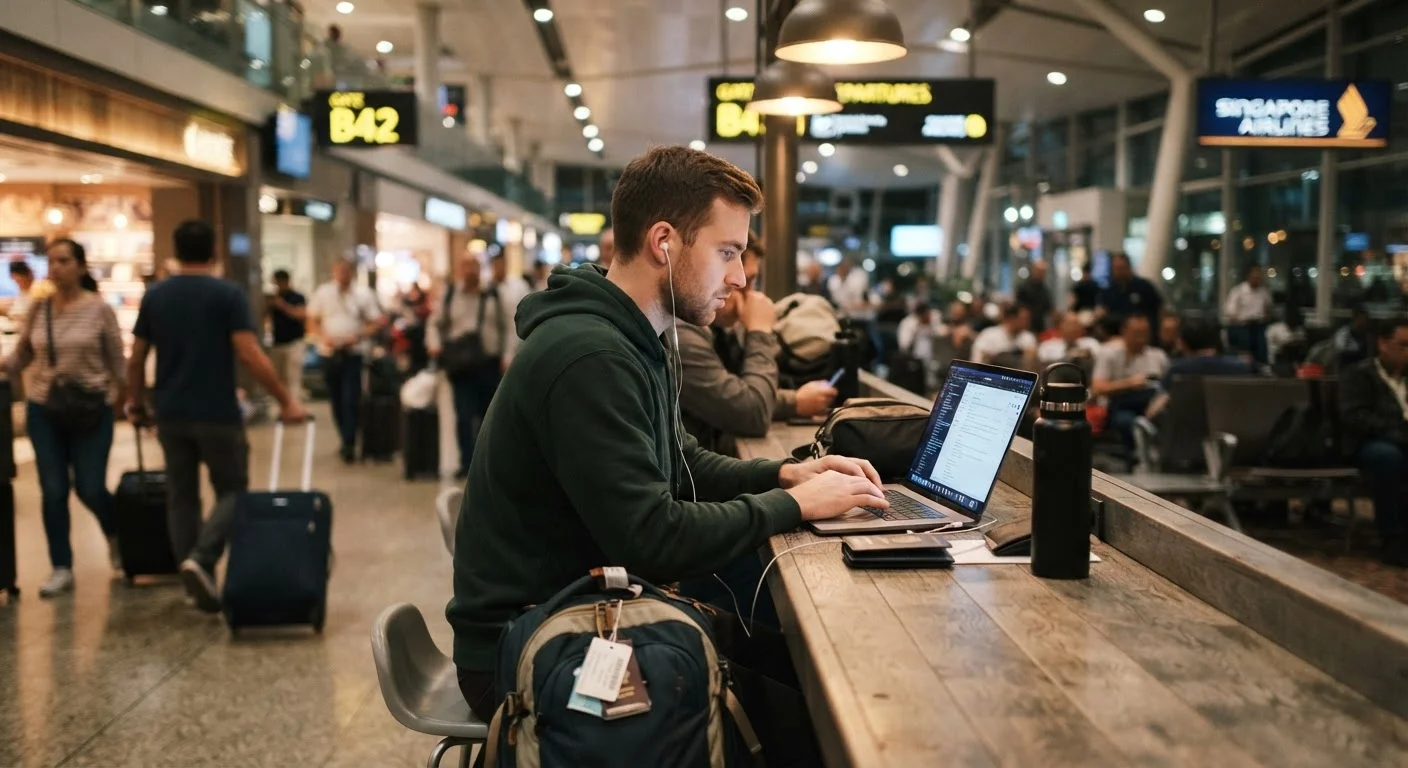
- Treat every public network as hostile. Coffee shop Wi-Fi, hotel lobbies, airport lounges - assume any shared network could expose your traffic.
- Watch for shoulder surfing. In crowded terminals or transit hubs, people nearby can observe your screen or keystrokes. Angling your screen and using a privacy screen protector helps.
- Be skeptical of USB charging stations. Public USB ports can, in some configurations, transfer data as well as power - a threat sometimes called "juice jacking." Carrying your own wall adapter or a charge-only cable eliminates this risk.
- Report lost or stolen devices immediately. Most platforms allow you to remotely lock or wipe a device. Acting quickly limits how much data an opportunistic thief can access.
Digital safety pairs naturally with broader travel security awareness. If you're heading somewhere with elevated theft risk, staying safe in destinations with high petty crime rates covers situational awareness strategies that complement good digital habits. And for solo travelers especially, solo travel safety considerations is worth a read before you go.