

Key Takeaways
Data Cap
A data cap is a limit set by an internet service provider (ISP) on how much data a household can send and receive in a billing period - usually one month. If a household crosses that threshold, the ISP may charge extra fees, slow down the connection, or both. Data caps are measured in gigabytes (GB) or terabytes (TB).
ISPs measure data caps by tracking the total volume of upstream (uploaded) and downstream (downloaded) traffic passing through the modem, regardless of the type of activity generating that traffic.
What a Data Cap Actually Is
A data cap sets a ceiling on the total volume of internet traffic - uploads and downloads combined - that flows through your home connection each billing month. Think of it like a monthly water allowance: you can use as much as you want up to the limit, and crossing it has consequences.
Caps are expressed in gigabytes (GB) or terabytes (TB). One TB equals 1,000 GB. A common cap among U.S. cable providers sits at 1.2 TB per month, though limits vary widely across providers and plan tiers. To put that in context, streaming an hour of HD video typically consumes around 3 GB, while a 4K stream can use 7 GB or more per hour.
For a deeper look at how the type of connection you have - cable, fiber, DSL, or fixed wireless - affects your service overall, see our plain-language guide to home internet connection types.
How Overage Charges and Throttling Work
When a household exceeds its monthly cap, ISPs generally respond in one of two ways - or sometimes both:
- Overage charges: The provider bills an additional fee, often structured as a flat rate per additional block of data (for example, a set fee per 50 GB over the limit). These charges can accumulate quickly in high-usage months.
- Speed throttling: Rather than charging more, the ISP automatically reduces connection speeds for the remainder of the billing cycle. Pages still load and streaming still works, but noticeably more slowly.
Some plans combine both: speeds drop after the cap, and another fee applies if usage continues past a second threshold. The specific rules are in the service agreement, which is worth reading before signing up. Our article on what an ISP contract actually says walks through the clauses that matter most.
Check Your Usage Before Your Bill Arrives
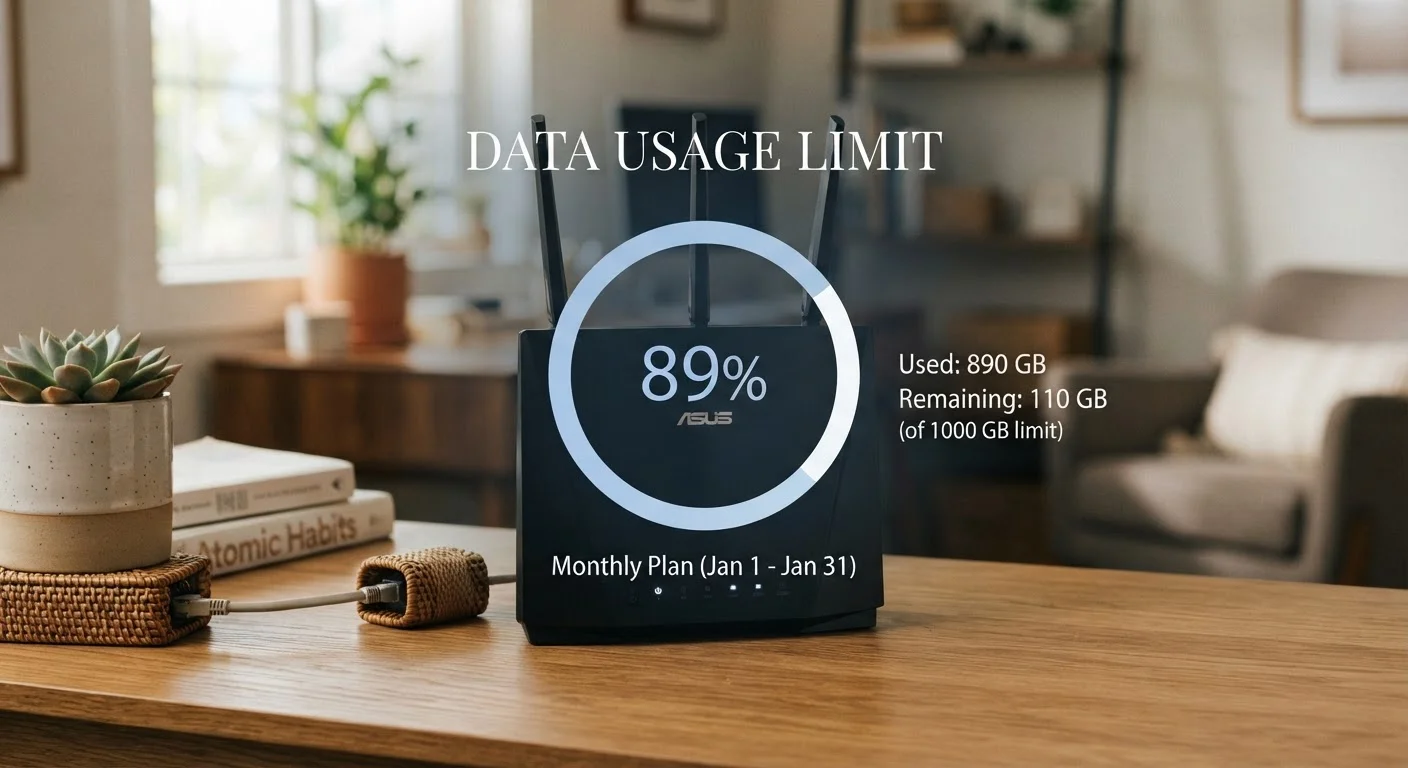
Most ISPs provide a usage tracker in your online account portal or mobile app. Setting up an alert at 75-80% of your monthly cap gives you time to adjust behavior before overages kick in. Some providers will also send an automatic notification when you approach your limit.
The 'Unlimited' Label - What It Often Means in Practice
Some home internet plans use the word 'unlimited' in their marketing. That term rarely means what it sounds like. Many such plans include a soft cap - a usage threshold after which the ISP may slow your speeds, even though you continue to receive data without a hard cutoff or overage fee.
This practice, sometimes called deprioritization or network management, is more common on fixed wireless and satellite plans than on cable or fiber, but it appears across all connection types. The distinction between a hard cap (with overage charges) and a soft cap (with throttling) is significant for households that stream, game, or work from home.
For a detailed breakdown of how 'unlimited' claims work on mobile plans - which follow similar logic - see common misconceptions about unlimited data plans.
1.2 TB
Monthly cap common among major U.S. cable ISPs
Several large cable providers have applied a 1.2 terabyte monthly threshold, above which overage fees or speed reductions apply.
~7 GB/hr
Data used by a single 4K video stream
Streaming a single 4K video stream for one hour can consume approximately 7 GB or more, depending on the platform and content.
500 GB+
Typical monthly usage for streaming households
Households that stream regularly in HD or 4K, conduct video calls, and run smart devices often exceed 500 GB of data per month.
What Uses the Most Data at Home
Understanding which activities drive usage helps households predict whether a capped plan is likely to cause problems. The heaviest consumers are generally:
- Video streaming: Standard HD uses roughly 3 GB per hour; 4K can exceed 7 GB per hour per stream. A household streaming two hours of 4K content daily can use over 400 GB per month from that activity alone.
- Video calls: Platforms vary, but HD video conferencing typically uses 1-2 GB per hour.
- Online gaming: Gameplay itself uses relatively modest data, but game downloads and updates can run into tens of gigabytes per title.
- Smart home devices and background processes: Security cameras, automatic backups, and software updates add usage that often goes unnoticed.
Households can usually monitor real-time usage through their ISP's account portal or app. Setting up alerts before reaching the cap threshold is one of the more practical ways to avoid surprise charges.
Your Options If a Cap Is a Problem
If your current plan's cap doesn't match your household's needs, you generally have a few paths to consider:
- Upgrade to a higher-tier plan: Many ISPs offer plans with larger or no data caps at a higher monthly price.
- Switch to an uncapped plan or provider: Depending on what's available at your address, an ISP offering unlimited home internet without a soft cap may be accessible.
- Monitor and adjust usage patterns: Lowering streaming quality settings, scheduling large downloads overnight, or shifting some activity to a mobile plan during peak usage can reduce monthly totals.
Before making changes, check your current contract for early termination fees or price-lock clauses - switching mid-contract can carry costs. For context on how mobile data limits compare, understanding what your phone plan actually includes is a useful reference.
Cap Policies Can Change With Plan Renewals
ISPs occasionally revise data cap thresholds or introduce caps on plans that were previously uncapped. When your contract renews or your promotional pricing period ends, it's worth re-checking the current terms of your plan. A plan that was uncapped when you signed up may have different conditions today.