

Key Takeaways
Why Dead Zones Happen in the First Place
Most home Wi-Fi problems share a common root: the signal has to travel through materials and around obstacles it was never designed to pass through cleanly. Radio waves weaken with distance, and they weaken dramatically when they pass through dense materials. Concrete walls, brick, metal appliances, and even large fish tanks can cut signal strength by 50 percent or more per barrier.
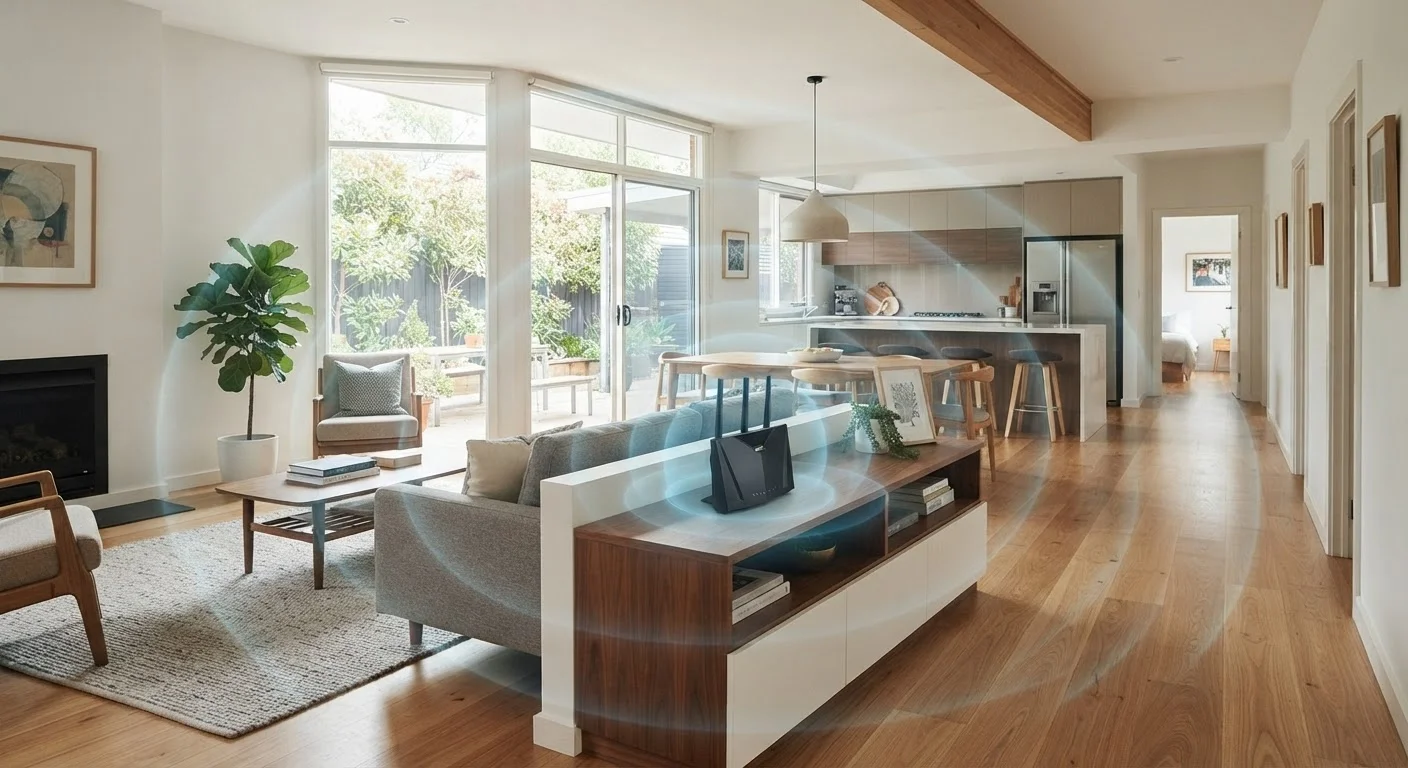
The layout of a home matters just as much as its materials. A router tucked in a corner of a basement or hidden inside a media cabinet might deliver strong signal in that one room while leaving the rest of the house underserved. Dead zones - areas where the signal is too weak for reliable use - are almost always predictable once you understand how radio frequency energy travels through space and matter.
Channel congestion adds another layer of complexity in densely populated areas. When neighboring networks all broadcast on the same channel, they compete for the same slice of radio spectrum. This can degrade performance even when signal strength looks adequate on your device. If you've ever noticed that your Wi-Fi slows down in the evenings, congestion is a likely contributor.
Placement Principles That Actually Matter
The most impactful change most households can make costs nothing: reposition the router. A few reliable principles apply regardless of home size or ISP:
For larger homes, a single router - no matter how capable - may not be enough. That's where the architecture of your network matters as much as the equipment itself. See our methodical home network troubleshooting guide if you're working through persistent problems before making any hardware changes.
Choosing the Right Equipment for Your Space
Not every home needs the same solution. A 900-square-foot apartment has very different requirements than a 3,000-square-foot house with a basement and detached garage.
Single-router setups work well in smaller spaces with open floor plans and minimal interference. Positioning matters more than raw spec in these environments.
Mesh systems use multiple nodes placed throughout the home to create a unified network with seamless handoff as you move between rooms. They are particularly effective in multi-story homes or layouts with many walls. When evaluating mesh systems, pay attention to whether the system uses a dedicated wireless backhaul channel or a wired backhaul option - a wired connection between nodes (using Ethernet) typically delivers more consistent throughput. Our Wi-Fi 6 explainer covers how newer hardware standards affect real-world performance in home environments.
Wi-Fi extenders and repeaters are inexpensive but come with trade-offs. Most cut available bandwidth in half because they receive and retransmit on the same radio. They work acceptably for light browsing but often struggle with video streaming or video calls at range.
If you're weighing wired versus wireless options for specific devices or rooms, this comparison of wired and Wi-Fi connections outlines when a physical Ethernet cable makes a meaningful performance difference.
Quick Actions to Improve Coverage Today
Before purchasing any new equipment, run through these immediate steps. Many households see measurable improvement without spending anything.
Once you've stabilized your existing setup, consider whether your home is ready for a full configuration review. The home network setup checklist is a practical starting point for anyone setting up or auditing a home network from scratch.