

Key Takeaways
Our Verdict
Wired Ethernet remains the more reliable and consistent option for stationary devices handling demanding tasks. Wi-Fi is the practical default for everything else - especially mobile devices and homes where running cable isn't realistic. Most households benefit from using both strategically rather than committing to one approach entirely.
| Best for | Recommended |
|---|---|
| Stationary devices used for gaming, streaming, or video calls | Wired Ethernet |
| Smartphones, tablets, and laptops used throughout the home | Wi-Fi |
| Home offices where consistent upload and download speeds matter | Wired Ethernet |
| Renters or those unable to run cables through walls | Wi-Fi |
Why This Question Still Matters
Wi-Fi has become so embedded in daily life that many people assume it's simply the standard - end of discussion. But convenience and performance are different things, and treating them as the same can lead to real frustration: choppy video calls, lag during online gaming, or slow downloads that don't match what your internet plan promises.
Understanding when a physical Ethernet cable outperforms a wireless connection - and when it doesn't - helps you get the most out of the internet service you're already paying for. For a broader look at how different connection types work at the service level, see our guide on home internet connection types and speeds.
What Makes Wired Connections Different
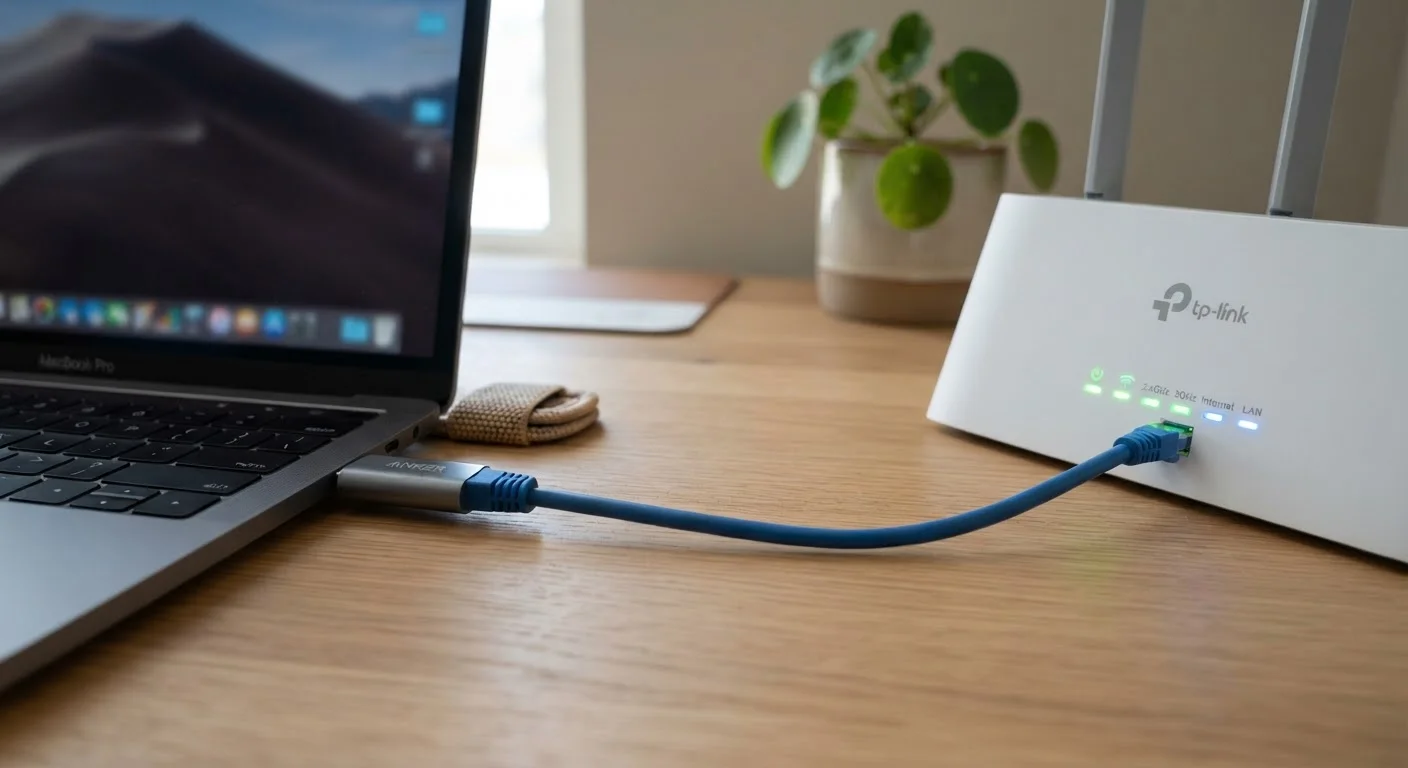
An Ethernet cable creates a direct, dedicated path between your device and your router. That physical link eliminates several variables that routinely affect Wi-Fi performance:
- Interference: Wi-Fi signals share radio spectrum with neighboring networks, microwaves, baby monitors, and other household electronics. Ethernet is immune to this.
- Distance degradation: Wireless signal strength drops as you move further from the router or add walls between them. Cables don't degrade over typical household distances.
- Latency: The round-trip time for data - often called ping - tends to be meaningfully lower on a wired connection, which matters for real-time applications.
- Consistency: Wired connections don't fluctuate based on network congestion from neighboring Wi-Fi networks or atmospheric conditions.
These differences are most noticeable not in raw download speed tests but in the stability and responsiveness of the connection over time.
| Wired Ethernet | Wi-Fi | |
|---|---|---|
| Typical latency | Very low (1-5 ms) | Higher, variable (5-50+ ms) |
| Speed consistency | Highly stable | Varies with interference and distance |
| Susceptibility to interference | None | Moderate to high |
| Device compatibility | Desktops, consoles, smart TVs, some laptops | Virtually all modern devices |
| Setup complexity | Requires cable routing | Minimal - connect and go |
| Ideal use cases | Gaming, video calls, large file transfers | Mobile devices, casual browsing, streaming |
When Wi-Fi Is the Right Call
Wi-Fi exists for good reasons, and for a large portion of everyday internet use, it is entirely adequate. Browsing, streaming music, checking email, and casual video watching rarely push wireless connections to their limits.
There are also practical situations where wired simply isn't an option. Smartphones and most modern tablets don't have Ethernet ports. Renters often cannot drill through walls or run cable in ways that would be permanent. And in homes where the router is far from where people actually work or relax, running a cable may be more disruptive than the performance gain is worth.
Modern Wi-Fi standards - such as Wi-Fi 6 (802.11ax) - have also narrowed the performance gap considerably on newer routers and devices. If your router is current and your device is within reasonable range, everyday tasks will rarely expose a meaningful difference. For help improving wireless coverage throughout your home, placement and equipment principles can make a significant difference before you consider running any cable.
Test Before You Commit to Running Cable
Before investing time or money in a wired setup, test your current Wi-Fi performance using a free speed test tool run directly on the device in question - then compare results with the same test run on a device plugged into the router. If the gap is small and your tasks are light, a cable may not be worth the effort. If the gap is large or your connection is inconsistent, that's useful data.
When the Cable Gives You a Real Advantage
There are specific use cases where switching from Wi-Fi to Ethernet produces a noticeable, measurable improvement:
- Online gaming: Low and consistent latency reduces lag and the chance of being disadvantaged by a delayed signal.
- Video conferencing: Stable upload speeds reduce dropped frames, audio glitches, and disconnections during work calls.
- 4K or high-bitrate streaming: Consistent bandwidth prevents buffering on devices like smart TVs or streaming sticks that support Ethernet adapters.
- Large file transfers and backups: Moving substantial amounts of data - particularly uploads to cloud storage - completes faster and more reliably over a cable.
- Working from home: VPN connections, remote desktops, and video meetings all benefit from the stability Ethernet provides.
If you've been experiencing unexplained connectivity issues, it's worth reading through a methodical approach to home network troubleshooting before concluding your internet service is at fault - the problem is often closer to the device.
A Practical Approach for Most Homes
The most effective home network setup for most people isn't purely wired or purely wireless - it's a combination of both used intentionally. Stationary devices that handle demanding tasks - a desktop computer, a gaming console, a smart TV, a home office workstation - are strong candidates for a direct Ethernet connection. Everything else connects via Wi-Fi.
Running Ethernet doesn't have to involve major construction. Flat cables that route along baseboards, powerline adapters that send a network signal through your home's electrical wiring, and MoCA adapters that use existing coaxial cable are all options worth exploring depending on your home's layout.
Whether you're assessing your current setup or planning a new one, understanding what your internet plan actually delivers at the service level is a useful starting point. Our overview of fiber vs. cable internet differences covers how the connection type into your home affects what's possible on either wired or wireless devices.