

Key Takeaways
Know Exactly What Your Plan Includes
Most people have a rough sense of their plan - a data amount, maybe unlimited calling - but the details matter more than the headline. Before you can use a plan efficiently, you need to understand what you actually have. Pull up your carrier account app or log in online and look for your full plan summary, not just the marketing name.
Key things to confirm: your data cap or whether your plan is truly unlimited, any speed restrictions after a certain usage threshold (often called deprioritization or soft limits), what's included in talk and text, and whether international texting is covered. For a plain-language breakdown of what these terms actually mean, see what your phone plan actually includes.
Carriers are required to disclose plan terms, but those disclosures are often buried. Knowing where your limits sit gives you something to work with.
Use Hotspot Wisely - It's Not a Separate Unlimited Resource
Mobile hotspot - the feature that lets your phone share its cellular connection with a laptop or tablet - is one of the most misunderstood parts of a plan. On many plans, hotspot data comes out of the same pool as your regular data. On others, it's a separate (and smaller) allocation that may be throttled to slower speeds once exhausted, even if your regular data is fine.
Check your plan documents specifically for hotspot terms. If you use hotspot regularly for work or to connect other devices, you'll want to know: How many gigabytes are available at full speed? What speed does it drop to afterward? Is hotspot included at all, or is it an add-on?
If you use a tablet at home and find yourself burning through hotspot data, connecting it to your home Wi-Fi instead is an easy fix. If you're evaluating how that tablet could serve a dual purpose, giving an old tablet a second life covers practical alternatives worth knowing.
Set Up Usage Alerts and Account Controls
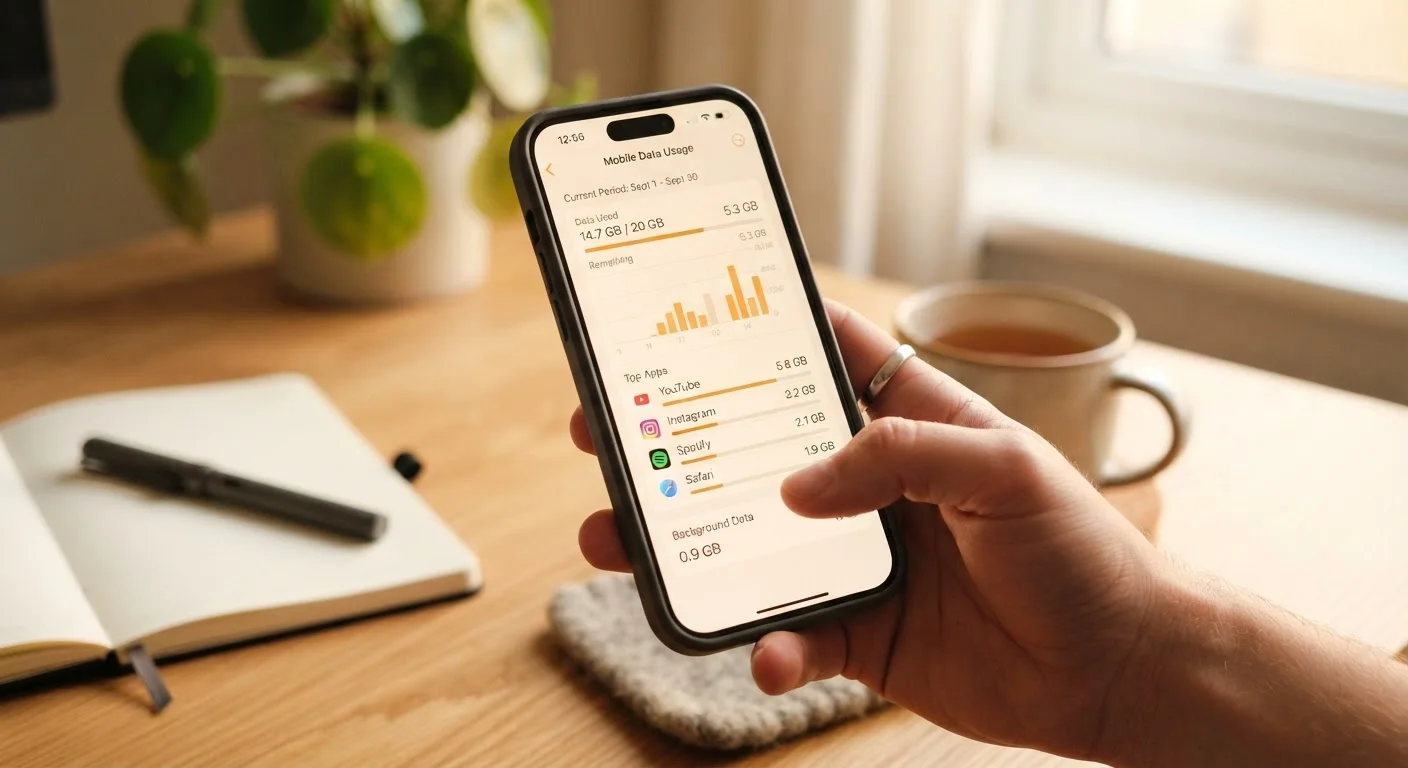
Every major carrier offers usage monitoring tools, and most have apps that show your data consumption in near real time. These tools are underused. Setting a data usage alert - typically available at 75% and 90% of your allotment - gives you time to adjust behavior before hitting a cap or paying overage fees.
Set a data usage alert at 75% of your monthly allotment
Hitting your data cap mid-month without warning often results in throttled speeds or unexpected charges. An early alert gives you time to shift heavy usage to Wi-Fi. Most carrier apps support this in account settings.
Review your plan's full terms document at least once a year
Carriers can modify plan terms, and the features you signed up for may have changed. Annual review ensures you know what you're actually entitled to and can identify any discrepancies.
Disable automatic roaming unless you specifically need it
Automatic roaming can silently generate charges on plans that don't include roaming at no cost. Disabling it by default and enabling it intentionally before travel prevents surprise fees.
Audit background data usage monthly in your phone's settings
Apps running in the background can consume meaningful amounts of data without you realizing it. A monthly check lets you identify and restrict the biggest offenders. This is particularly relevant for apps that sync, update, or stream automatically.
Beyond data alerts, account controls often include the ability to restrict international dialing, enable or disable roaming, and manage individual lines on a family plan. These controls are worth reviewing periodically, especially if your household includes teenagers or occasional travelers.
Understand Roaming Before You Travel
Domestic roaming is less of a concern than it once was, but it still applies on some plans - particularly prepaid, MVNOs (carriers that operate on another network's infrastructure), and older contracts. If you're traveling to a rural area or a region your carrier doesn't serve directly, your phone may roam onto a partner network. Depending on your plan, that could result in additional charges or simply reduced speed.
International roaming is a different matter entirely. Most plans charge per-day or per-use fees when you use your phone abroad, unless you've added an international package or your plan explicitly includes certain countries. Before any international trip, verify your plan's roaming terms with your carrier directly - don't rely on memory or assumption.
MVNOs and Roaming: A Key Difference
Mobile Virtual Network Operators (MVNOs) - smaller carriers that lease capacity from major networks - may have more restrictive roaming terms than the underlying network they use. If you're on an MVNO plan and travel to a rural or underserved area, coverage may be more limited than the host network's own subscribers experience. Always verify coverage maps specific to your actual carrier, not the network it uses.
If you're reconsidering your plan after travel complications, a framework for comparing plans side by side can help you evaluate what's actually different between options.
Build Habits That Stretch Your Data
No plan upgrade is needed if your usage habits are the issue. A few consistent changes can meaningfully reduce cellular data consumption without sacrificing much convenience.
- Connect to Wi-Fi at home and at trusted locations. Streaming video over cellular is one of the fastest ways to drain a data allotment.
- Enable app-level Wi-Fi preferences. Many apps - especially music and podcast apps - let you restrict downloads and streaming to Wi-Fi only.
- Download content in advance. Maps, playlists, and shows can often be saved for offline use while on Wi-Fi.
- Review background data usage. In your phone's settings, you can see which apps are consuming data in the background and restrict the ones that don't need it.
If your phone itself feels like part of the problem - running slowly, draining battery, or behaving unpredictably - why your phone slows down over time explains the real technical causes and which ones you can address.
Getting more from your current plan is largely a matter of attention: knowing what you have, monitoring how you use it, and adjusting where needed. If you do reach the point where your plan genuinely no longer fits, switching carriers without losing your number walks through that process clearly.